 FusionTerm
Net Tools
Network checks with clear answers, built in. Open Net Tools from the left bar.
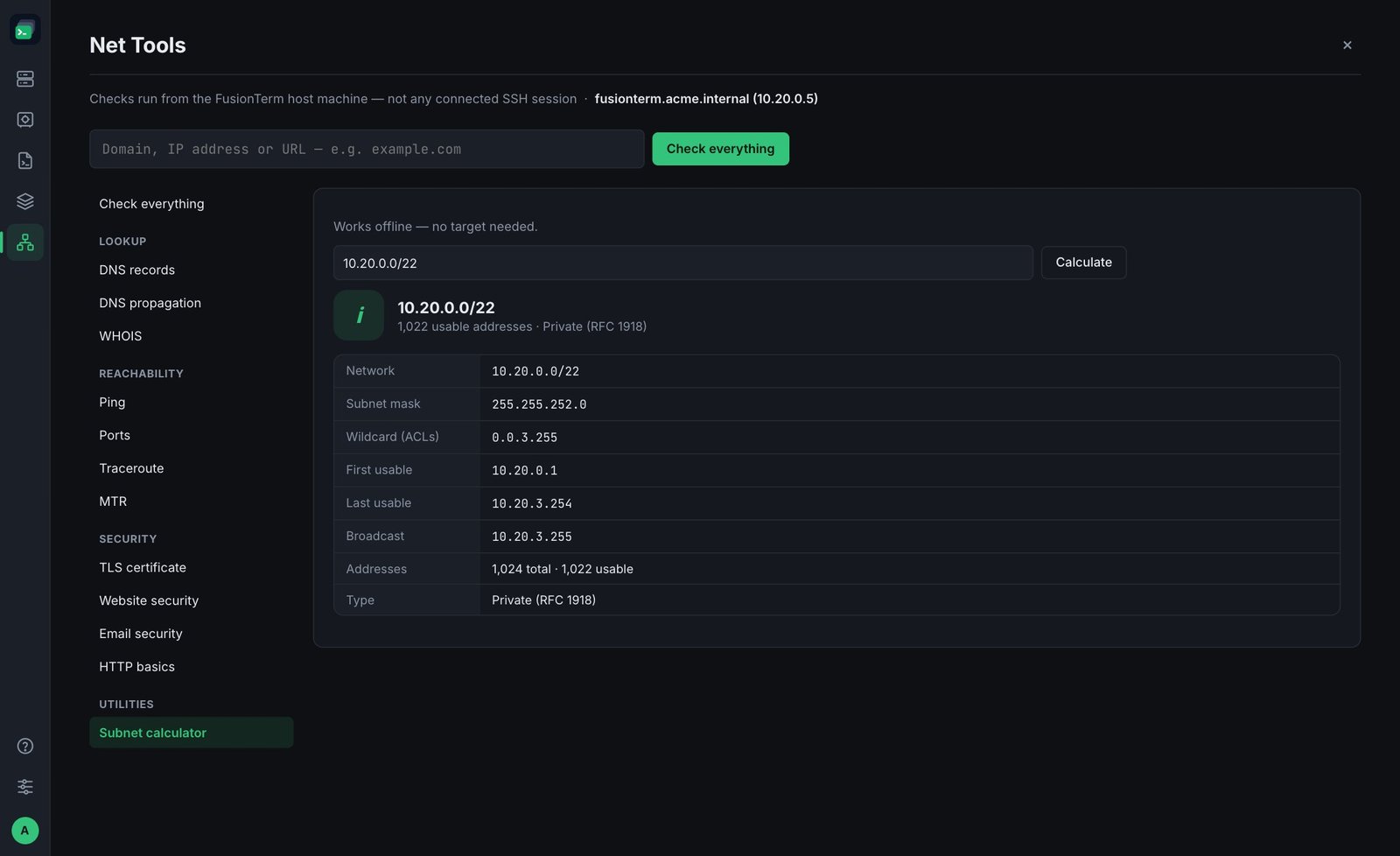
Note: checks run from the FusionTerm server — not from your computer and not from a connected SSH session. That's useful: it shows what your server room or cloud network can reach. The top of the page shows which machine that is.
Note: checks that connect to the target (ping, ports, traceroute, MTR, HTTP, TLS and web) follow the same destination policy as HTTP diagnostics: cloud metadata and link-local addresses are never reached, the FusionTerm server itself is off, and internal networks are for administrators unless an administrator opens them for everyone or adds trusted networks. A refused check says why and is recorded in the audit log. DNS, WHOIS, propagation and email checks only ask DNS and WHOIS servers, so they aren't limited.
Type a domain, IP address or URL and click Check everything, or pick a single check:
| Check | What it tells you |
|---|---|
| DNS records | A, AAAA, CNAME, MX, TXT, NS records for a name |
| DNS propagation | Asks the server's DNS and four public resolvers the same question — useful right after you change a record |
| WHOIS | Who a domain or IP is registered to |
| Ping | Whether a host answers, and how fast |
| Ports | Which TCP ports are open |
| Traceroute / MTR | The path packets take, and where they get lost or slow |
| TLS certificate | Protocol, cipher, certificate chain, names covered, key strength and expiry — for any TLS service, not only websites |
| Website security | Follows redirects, measures response time and grades the security headers A–F, with what to fix |
| Email security | The DNS records that stop others sending email as your domain: MX, SPF, DMARC and MTA-STS |
| HTTP basics | Status, redirects and headers of a web page — for deeper website and API troubleshooting use HTTP diagnostics |
| Subnet calculator | Network, mask, first/last address and size of a range like 10.20.0.0/22 — works offline |
Results use plain words and colours: green is fine, amber deserves a look, red needs fixing.
Note: MTR isn't available when the FusionTerm server runs Windows.